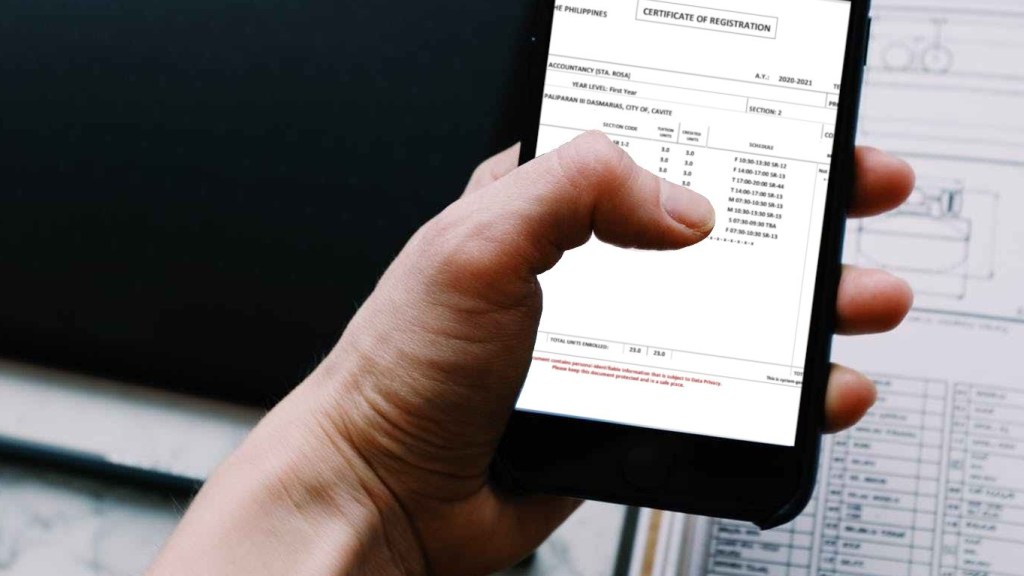
Enrollment Status (Freshmen)
Reminder: Only officially enrolled students can access the PUPSIS Module. After the assessment, your registration will be confirmed within 3-5 working days..
PUPSIS login and Certificate of Registration (CoR)
To download the Registration Form for officially enrolled Freshman students this A.Y. 2020-2021:
- Go to https://sisstudents.pup.edu.ph/
- Click Forgot Password
- Type the email address that you have used in the iApply registration.
- Click the Request new password button
- Check from your email’s Inbox/Spam/Junk folder for the system-generated username and password sent by the “PUPSIS Student Module”
- Go back to https://sisstudents.pup.edu.ph/
- Type the username as the Student Number, system-generated password, and the date of birth as entered during your iApply registration
- Click Sign in
- Click Enrollment, and click Certificate of Registration
- Download, save and print a copy of your Certificate of Registration
How to resolve “Email Not Found” Issue.
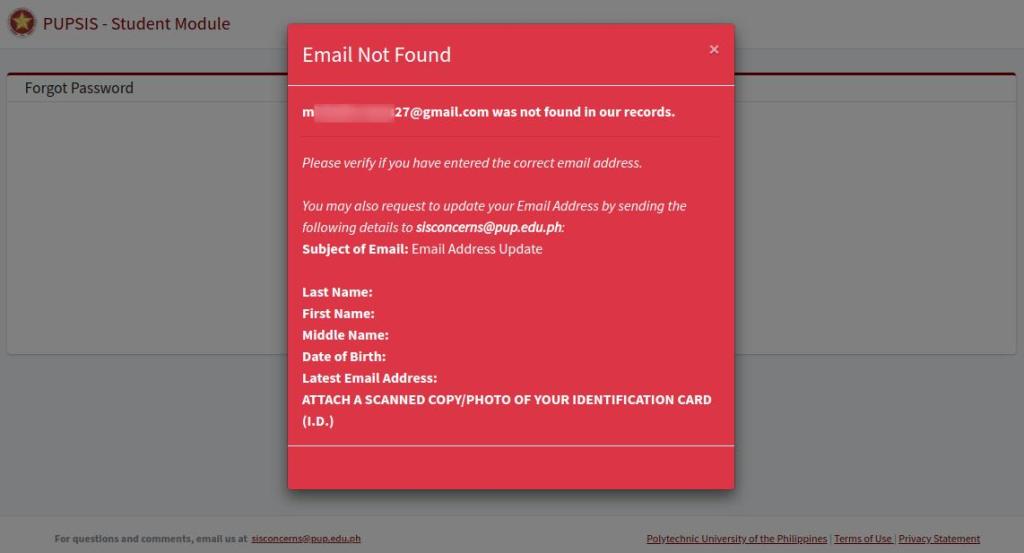
Please verify if you have entered the correct email address.
You may also request to update your Email Address by sending the following details to sisconcerns@pup.edu.ph:
Subject of Email: Email Address Update
Last Name:
First Name:
Middle Name:
Date of Birth:
Latest Email Address:
ATTACH A SCANNED COPY/PHOTO OF YOUR IDENTIFICATION CARD (I.D.)


 PUPsrc
Leave a reply to Dimple Ribon Cancel reply